
 Join Discord
Join Discord
Join Discord
Our Mission
Cast the phone to a screen, queue up your tunes, pick a game. Burn the calories and stay fit while the time on the belt takes care of itself.


Scroll to pick up the pace
Each game has its own page with how-to, controls, and tips.
Live heart rate at the top of the screen and a controller on your wrist so you don't have to look down mid-run.
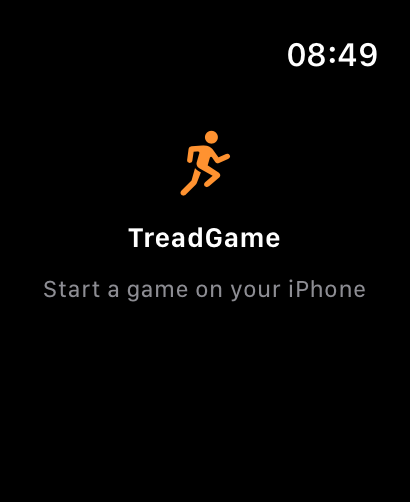
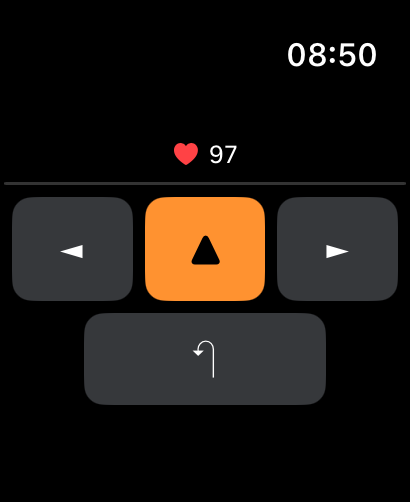
TreadGame is an iPhone app with an Apple Watch companion. To get the full experience — live heart rate, wrist controls, runs saved into the Health app — there's a small one-time permission flow.
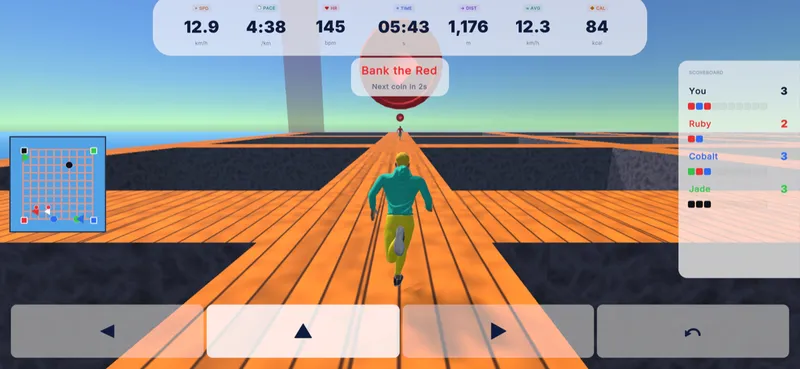
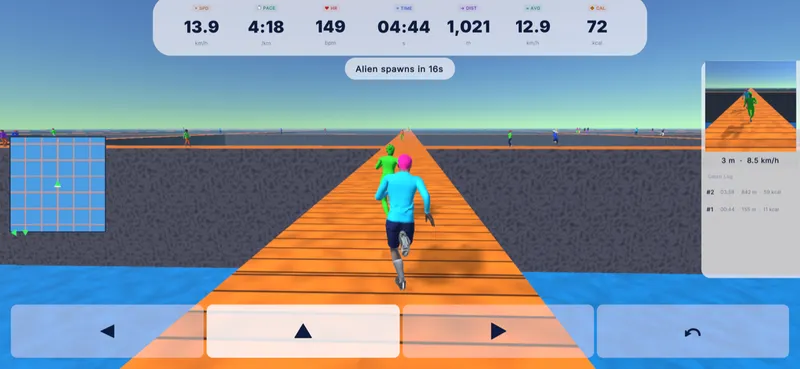
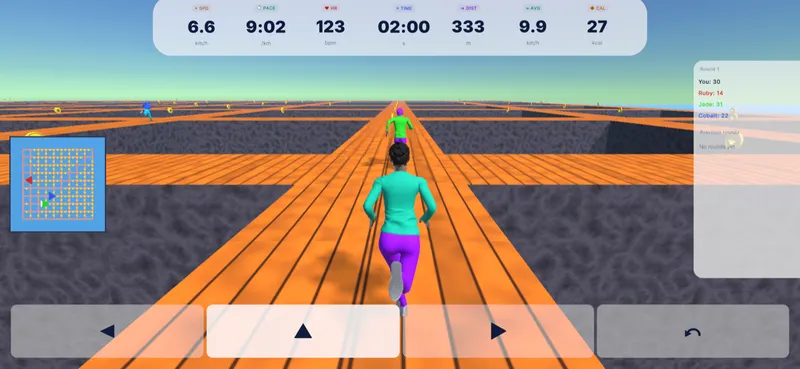
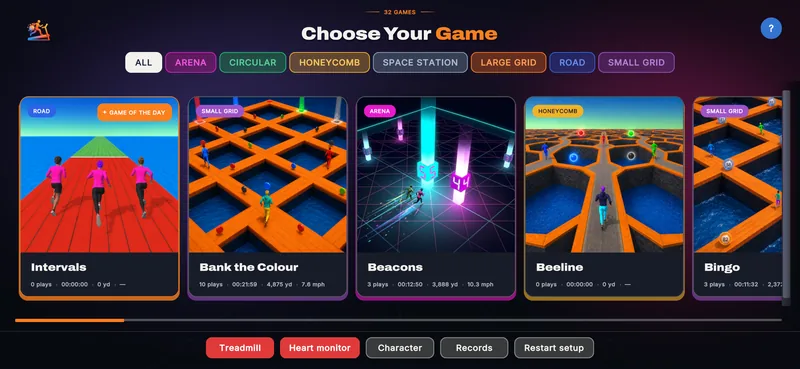
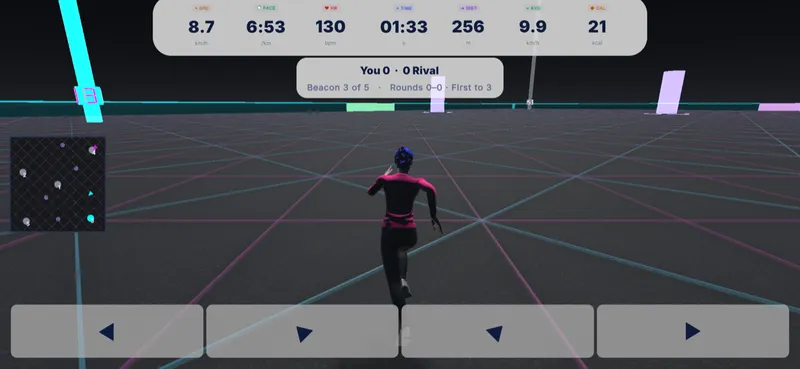
On first launch the iPhone asks for Health access. Allow read for heart rate so the game can show your live BPM, and write for workouts so every TreadGame run lands in the Health app. Change either later in Settings → Health → Data Access & Devices → TreadGame.
Only needed if you're using your Watch's pedometer to drive the game (i.e. you don't have a real treadmill connected). iPhone asks once at launch; the Watch asks the first time you start a game wearing it. If denied, watch-derived speed silently stays at zero. Flip it back on in Settings → Privacy & Security → Motion & Fitness.
Open the Watch app on your iPhone, scroll to Available apps, and tap Install next to TreadGame. Launch it once on your wrist to grant Health (heart rate) access. After that the watch becomes your in-game controller — direction buttons, answer prompts and any other game interface elements appear on your wrist automatically, so you don't have to look down at the phone.
With write permission granted, every game session is logged as a Running workout in Apple Health — duration, distance, calories, average and max heart rate. Open Health → Browse → Workouts to see them. Apple Fitness, third-party trackers, and any app that reads Health workouts pick them up the same way they do a Workout-app run.
TreadGame is on Android phones and Wear OS watches — the same games, the same wrist controls, the same live heart rate. Here's how it all fits together on Android.
The Android phone app is live on Google Play. It plays every game the iPhone version does — cast it to a screen, pick a game, and run. Pair a Wear OS watch for wrist controls and live heart rate.
Pair a Wear OS 3+ watch — Galaxy Watch 4 and up, Pixel Watch, modern Fossil — and it becomes your in-game controller. Direction buttons and answer prompts appear on your wrist with your live heart rate up top, so you can keep your head up while you run.
The watch asks for Body Sensors (heart rate) and Physical Activity (to estimate your pace from the watch when no treadmill is connected) the first time you start a game. Decline and the game still runs — you just lose live HR or watch-derived speed. Change them later in the watch's Settings → Apps → Permissions.
Every run saves as a workout through Health Connect, so it shows up in anything you've linked to it — Samsung Health, Google Fit, whatever you keep your training in. Grant it access the first time you ask it to save, and change your mind later in the Health Connect settings.